NES Pinball
The 8-bit pinball table from 1984, rebuilt as a fan remake and running right in your browser.
Pinball was one of the first games for the Famicom and the NES: a black table with blue walls, two screens tall, penguins on the bumpers, seals juggling balls and a bonus stage with Mario. Millions of players met pinball through that cartridge, and for many it is still the first image that comes to mind when they hear the word.
This page runs a fan remake made in 2016 by two students of CITM Terrassa, Xavier Olivenza and Sergio Álvarez, in C++ with SDL2 and the Box2D physics engine. We compiled it to WebAssembly, so it runs in the browser with no plugins, locked the game to 60 updates per second so it plays the same on fast monitors, and added touch controls for phones.
The remake rebuilds the main lower table: the flippers and plunger, the card targets, the bouncing pink balls, the moving platform with chickens, the one-way doors, the coin trail and the cannon. The upper screen, the bonus stage and the dancing seals are not there. If you want a full modern table, try Space Mission or any other table below.
How to play NES Pinball
- Press Play. The ball waits on the plunger in the lane on the right.
- Hold Space (or the Launch button on a phone) to pull the plunger and let go to shoot. The longer you hold, the harder the shot.
- Use ← and → (or Q and W) for the left and right flippers. On a phone, tap the left or right half of the table.
- You have three balls. When the last one drains, press R or Play again to start over.
Controls
| Action | Keyboard | Phone |
|---|---|---|
| Left flipper | ← or Q | Tap the left half |
| Right flipper | → or W | Tap the right half |
| Launch the ball | Hold Space, release | Hold Launch, release |
| New game | R | New game button |
Scoring
- Top lanes: 100, 500 and 1,000 points for the three lanes at the top of the table.
- Cards: hit the 10, J, Q, K and A targets. When all five are turned, you get 5,000 points, the table turns orange and two safety balls appear between the flippers and in the middle.
- Side lights: seven lights on the left wall give 100 points each. Light all seven to open the gate on the right side.
- Coins: the trail of coins in the upper left orbit pays 100 points per coin and comes back after you collect them all.
- Bouncing balls and the platform: the pink balls kick the ball away and add points, the moving platform with chickens catches shots from the flippers.
- Cannon: a ball that enters the cannon is held for a second and fired back to the top.
Tips
- Do not flip both flippers at once. Hold one up to catch the ball, then aim the next shot.
- A half-strength plunger shot is often safer than a full one: the ball drops into the top lanes instead of bouncing straight back down.
- Go for the cards first. The safety balls between the flippers make the rest of the game much easier.
Frequently asked questions
Is this the original NES Pinball?
No. It is a fan remake that recreates the lower table of the 1984 game with its look and sounds, running on a modern physics engine. It does not use the original cartridge or an emulator.
Can I play NES Pinball on a phone?
Yes. Tap the left or right half of the table for the flippers and hold the Launch button to shoot the ball. It works in Chrome, Safari and other modern mobile browsers.
Why is there no upper table or bonus stage?
The remake only covers the main lower table. The upper screen, the Mario bonus stage and some animations from the original were never made in it.
How do I restart?
Press R on the keyboard or the New game button under the table. After the last ball, the Play again button starts a new game.
Is my best score saved?
Yes. The best score is kept in your browser on this device and shown at the top left of the table as TOP.
More pinball tables
Pinball.game also has eleven modern tables with 3D view, ramps, multiball and 110 levels. They are free and work on the same keys.
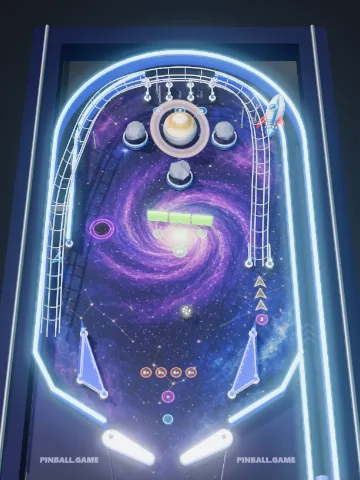 Space MissionFuel the rocket, open the black hole, orbit the planet.
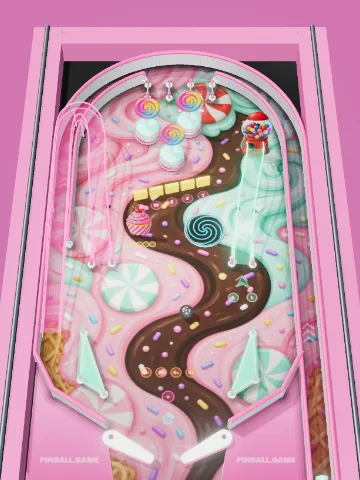 Candy CarnivalLollipop bumpers, a gumball machine and two candy ramps.
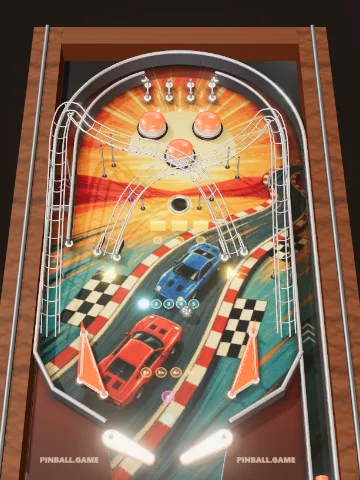 Grand PrixA retro 80s racing table with two crossing wire ramps.
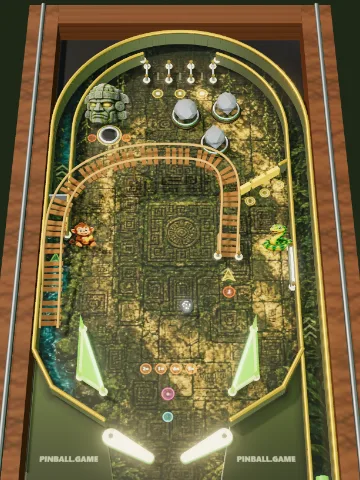 Jungle TempleA stone idol, a rope bridge, a snake and golden relics.
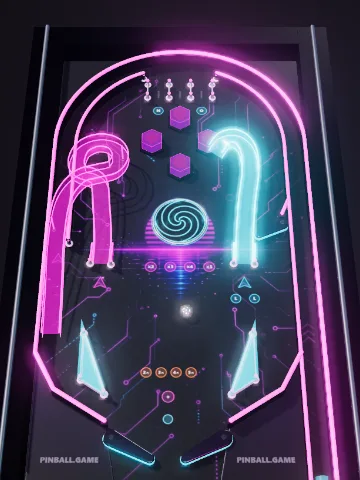 Neon RushGlowing spiral ramps, a vortex and ramp combos.
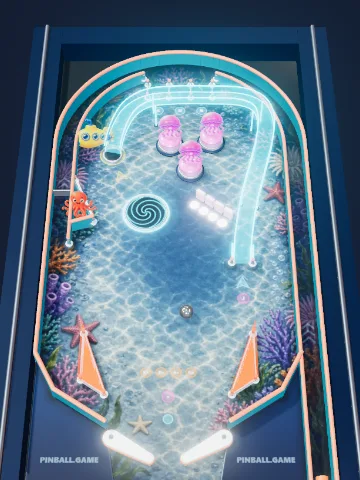 Deep SeaA yellow submarine, jellyfish, a whirlpool and an octopus.
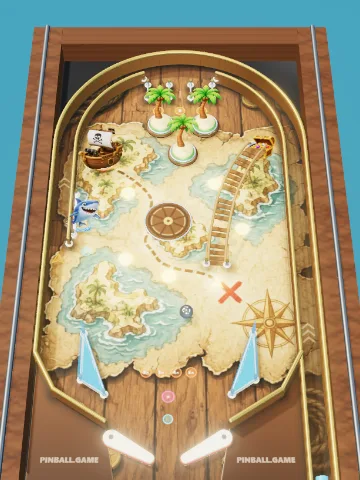 Treasure IslandA ship cannon, a rope ramp, a shark and gold coins.
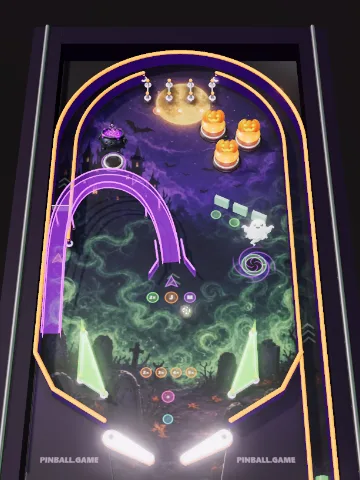 Haunted CastlePumpkin bumpers, a ghost train ramp and a witch's cauldron.
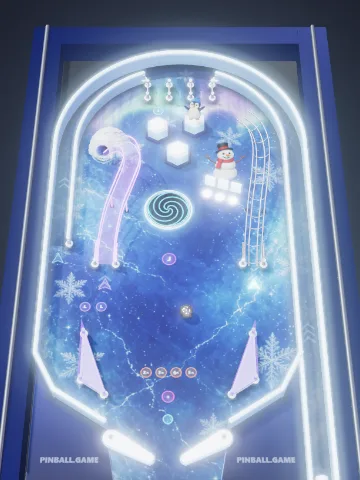 Ice KingdomA ski jump, a penguin slide, an igloo lock and a snowman.
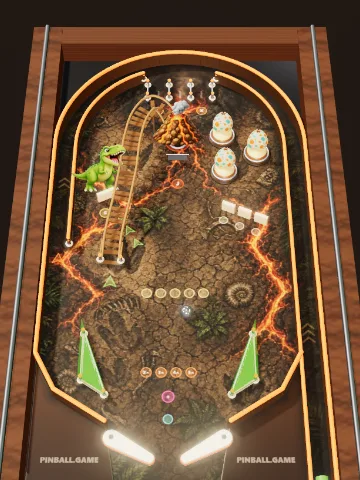 Dino ValleyDino eggs, a T-rex, fossils and an erupting volcano.
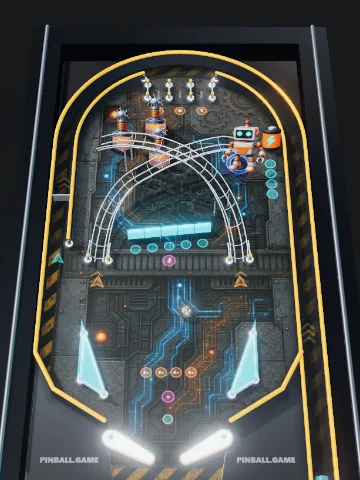 Robot FactoryBuild a robot, charge its battery and start the Overdrive multiball.
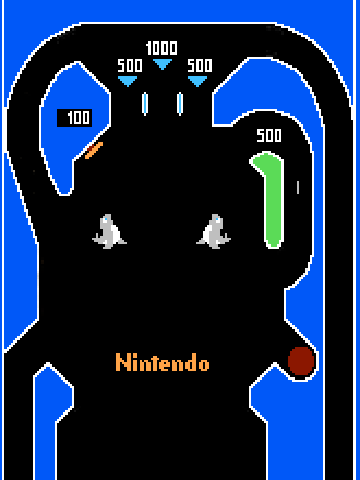 NES Pinball8-bit classic from 1984
Credits
Original remake by Xavier Olivenza and Sergio Álvarez (CITM Terrassa, 2016), source code on GitHub. Physics: Box2D. Graphics and sound: SDL2. Web build and touch controls: Pinball.game. Nintendo, NES and Famicom are trademarks of Nintendo; this fan remake is not affiliated with or endorsed by Nintendo.